
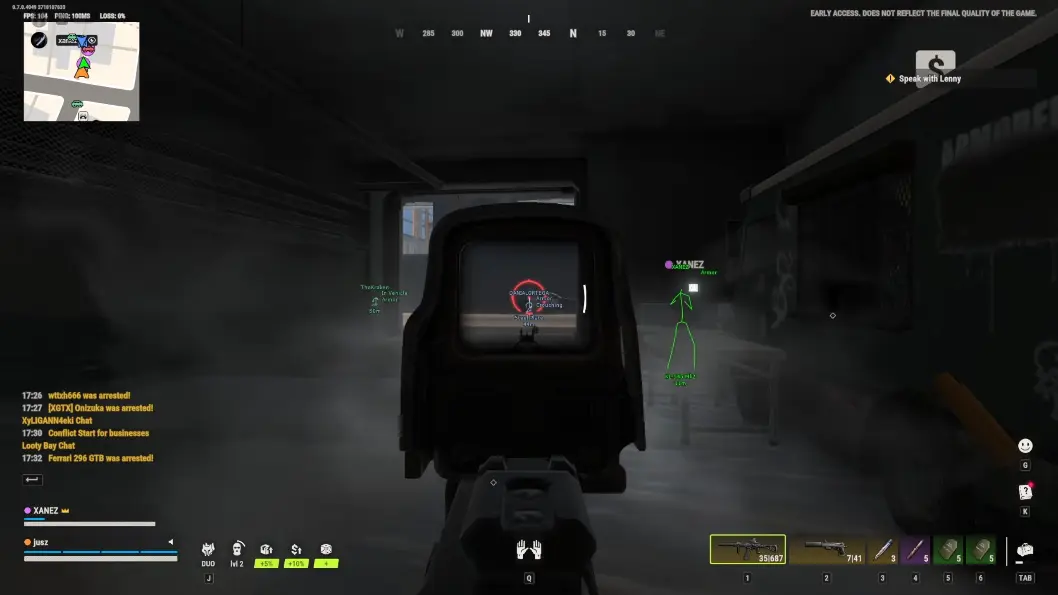
Buy Rob Run aimbot Soft Aim no-recoil assist cheats combat guide: Pro tools
Rob Run Pro aimbot guide—soft aim, bone select, no-recoil assist and FOV tuning for gunfights. What you get after checkout and how to stay low-profile.
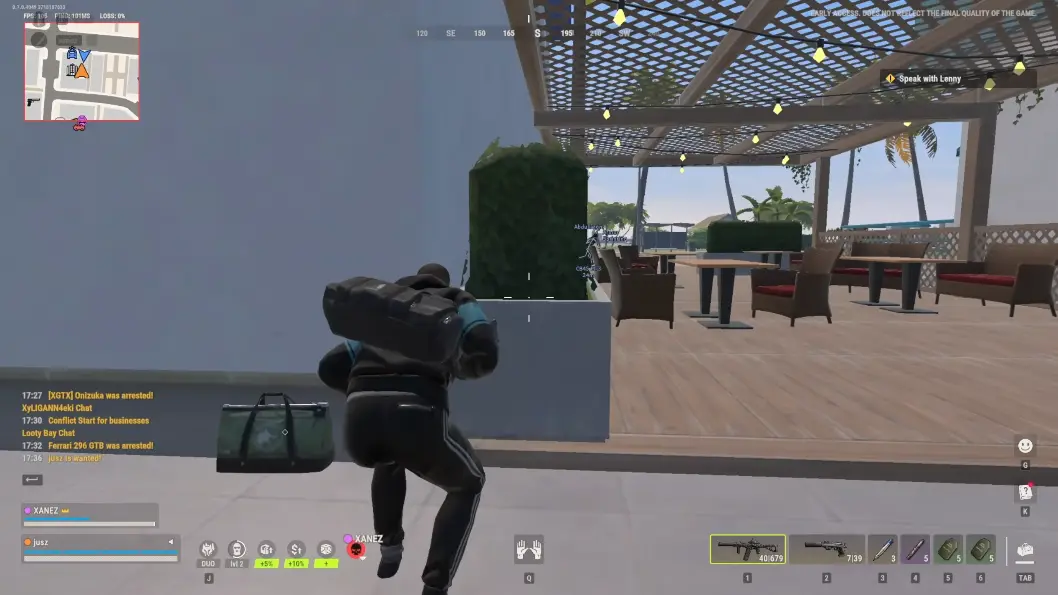
If you want to win more gunfights, Pro aim assist package is the purchase. It bundles Aimbot, Soft Aim, Bone Select, Trigger Bot and No-recoil assist on top of every Lite module. This page explains what you get and how buyers configure it so it looks human.


What Pro combat tools do
| Module | What it does | Buyer tip |
|---|---|---|
| Aimbot | Locks onto a target inside the FOV circle | Keep the FOV small |
| Soft Aim | Smoothed pull toward the target | Start here |
| Bone Select | Head, chest or body targeting | Chest for sustained fire, head for snipers |
| No-recoil assist | Weapon-specific compensation | Aim for 60 to 80 percent |
| Trigger Bot | Fires when your crosshair is on target | Add a reaction delay |
Start with portal presets
Load the conservative preset first: small aim FOV, high smoothing, Trigger Bot off and compensation well below maximum. Save a copy as my_default.
Aimbot vs Soft Aim
Soft Aim is far less obvious in spectate or clips, so most buyers start there.
Per-weapon profiles
Save separate profiles for pistols, SMGs, rifles, and shotguns and switch with hotkeys. Examples for common lineups are in the bone select and profiles guide.
Is Pro or Elite right for you?
Pro covers every combat module. Elite adds farm helpers, Cosmetic preview and priority patches. Compare in the Lite vs Pro guide and the Elite tier guide.
After you buy
Test on a private test session and run the EAC patch day checklist after every update. If the status banner is yellow, wait.
See Pro vs Elite modules → Checkout for Pro aim assist. No setting is ban-proof; humanized values reduce reports.